
User manual · Chapter 12
Camera GPS link
A GPS Provider feeds a Sony camera this phone's position over Bluetooth. The camera writes it into every photo as you shoot, and sets its clock from the same message. Nothing to match up afterwards. Free.
What it does
Many cameras have no GPS of their own. Sony bodies with Location Information Link can take a position from a phone instead — and Photo Flux can be that phone. While the link is on, the camera receives this phone's position every few seconds and writes it into each frame at the moment it is taken, along with the time.
It sends a position and the time, and nothing else. It does not transfer photos and does not control the camera. There is no account and no network involved: the position goes over a direct Bluetooth connection to your own camera and nowhere else.
Which cameras
Most Sony Alpha bodies from 2018 onwards: the Alpha 7, 7R, 7S, 9 and 1 series from 2018; the Alpha 6100, 6400, 6600, 6700 and 6700 II; the ZV-1, ZV-E10 and ZV-E1; and the RX100 VI and later. The Supported cameras page in the app keeps the list.
The list is what is known, not a restriction. Photo Flux never checks the model: if your body has Location Information Link in its Bluetooth menu, it will work whether or not it is named. Other makes are not supported yet.
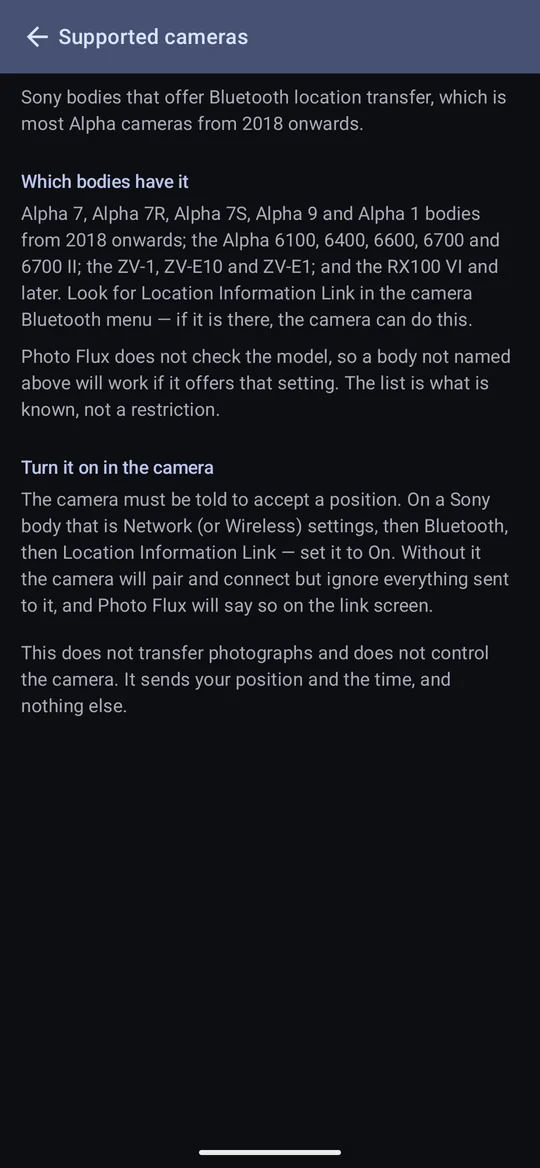
The camera must be told to accept a position: Network (or Wireless) settings → Bluetooth → Location Information Link → On. Without it the camera pairs and connects perfectly and then ignores everything sent to it. Photo Flux says so on the link screen, and the pairing list marks a camera that has it switched off.
Setting one up
- Actions → Add profile → I want to send GPS coordinates to my camera, and name it.
- Paired camera: switch the camera on and put it into Bluetooth pairing (on a Sony: Network settings → Bluetooth → Pairing), then choose it from the list. This needs the Nearby devices permission. You can skip pairing and do it later from the profile.
- How often the camera is told where it is — every 5 seconds (the default) up to every 2 minutes.
- Alert on connection — notify when the camera connects or disconnects.
- Automatic track recording — record a track while the camera is connected.
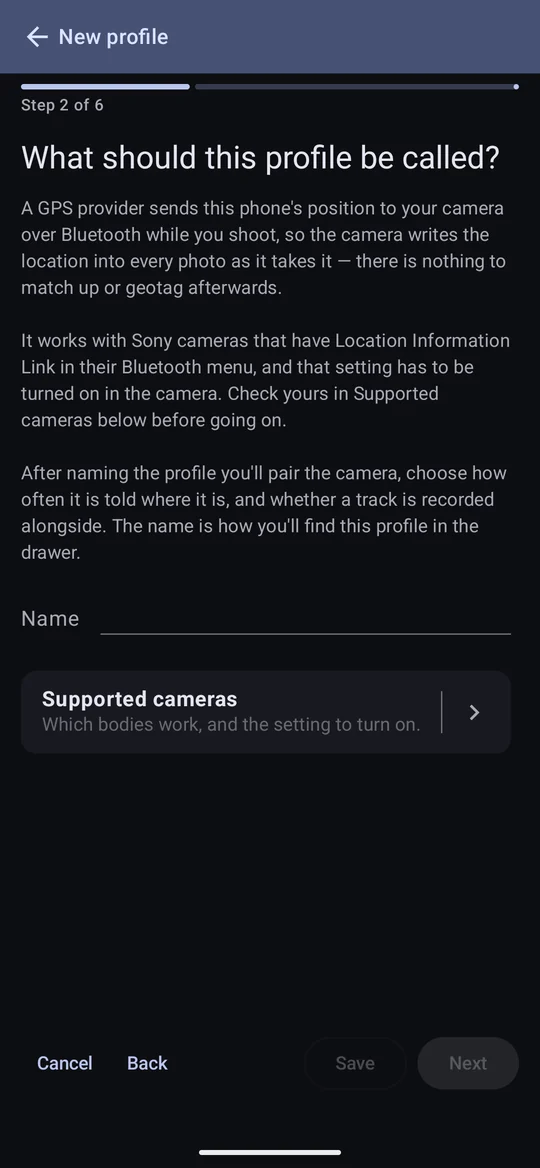
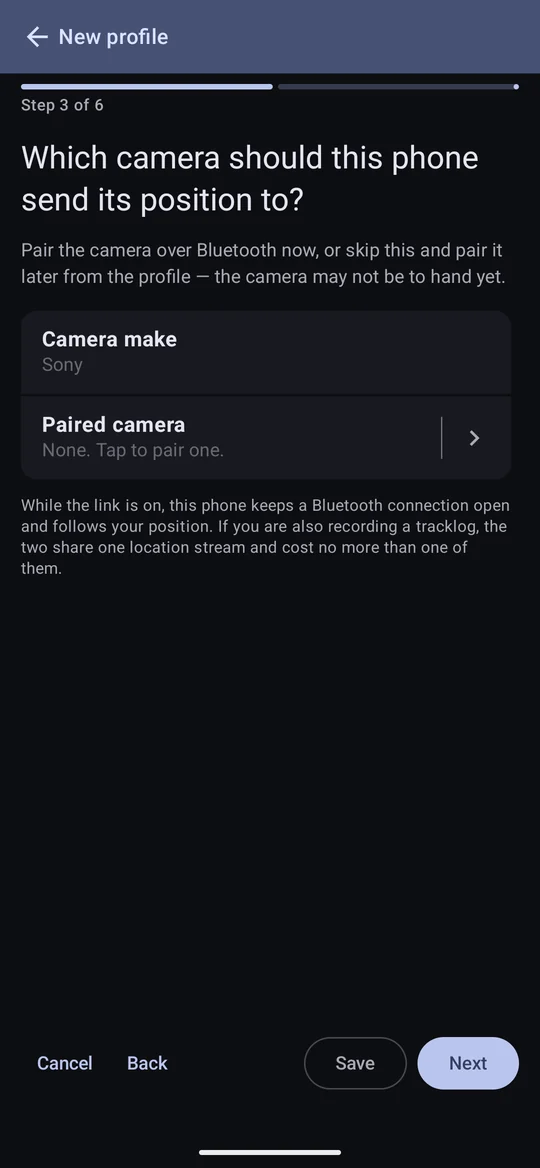
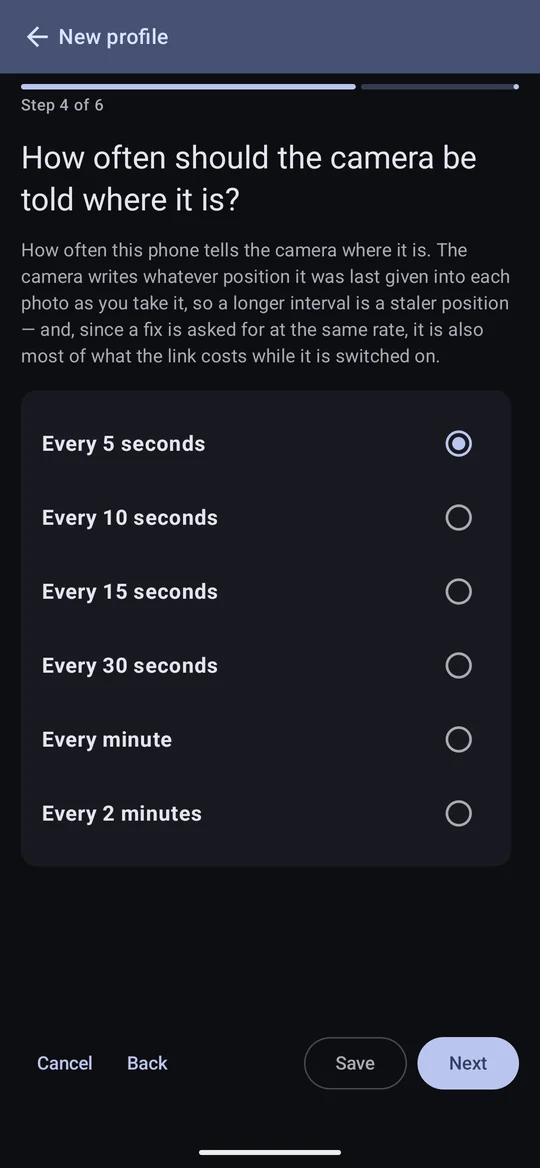
One profile links to one camera. With two bodies, make two providers — both can run at once.
The link
Select the provider in the drawer. The Link switch at the top turns it on and off; it stays on until you switch it off, including with the app closed and the phone locked, and a notification shows whether a camera is connected. The switch is greyed out until a camera is paired.

- What it costs. One Bluetooth connection and one location stream. If a tracklog is recording at the same time, the two share that stream and cost no more than one of them.
- The interval is how fresh the position in each frame is, and nearly all of what the link costs. A longer interval doesn't leave the camera thinking the link has died: it still gets a keep-alive every thirty seconds, so the location icon on the camera stays.
- Standing still, the camera gets one steady position; walking, it follows you straight away.
- The connection log on the provider's screen records every step of the link. It is the first thing to look at when a camera stops working, and the thing to quote in a bug report. It is cleared when the app closes.
Surviving a phone restart
For the link to come back by itself after the phone restarts — as soon as the camera is switched on, with nothing to open or tap — two things must be allowed when you set it up:
- location set to Allow all the time (the screen offers Open settings);
- Android's own dialog asking to pair with the camera as a companion device.
This is the one place Photo Flux asks for location all the time, and the reason is simple: after a restart there is nobody in the app to start the link, and Android won't let it start a location service from the background otherwise. The position still goes only to your camera. Decline, and the only cost is that you must open Photo Flux once after each restart.
Alert on connection
Off by default. On, you are notified when the camera connects or drops — ignoring a brief drop that recovers, so a camera at the edge of range doesn't buzz the phone constantly.
Automatic track recording
Off by default. On, and pointed at a tracklog profile, the camera connecting starts a recording and its going away stops it — a day's shooting is tracked without remembering to start anything.
- Only one track records at a time, so a track you started by hand is stopped when the camera connects.
- Switch the camera off and on again within the Idle time (30 minutes by default) and the same track carries on, rather than a day arriving in forty fragments.
- It follows the position the link is already reading, so it costs no extra battery beyond the points themselves.
The photos it produces
Photos that arrive with a position from the camera are treated like any geotagged photo: nearest place, folder sorting, badges, metadata. A tracklog never overwrites a position the camera itself wrote.
If a camera stops being found
If a camera that used to work stops being found — often after a camera firmware update — forget it in Android's own Bluetooth settings and pair it again. Android keeps a cached list of what a paired device offers, and a firmware update can leave it stale. It looks exactly like a fault in Photo Flux and isn't one.