
User manual · Chapter 16
File Monitoring
File Monitoring checks a profile's photos from time to time and tells you if something other than Photo Flux — an editor, a file manager, a cloud backup app — changed, moved or deleted one. Pro.
Turning it on
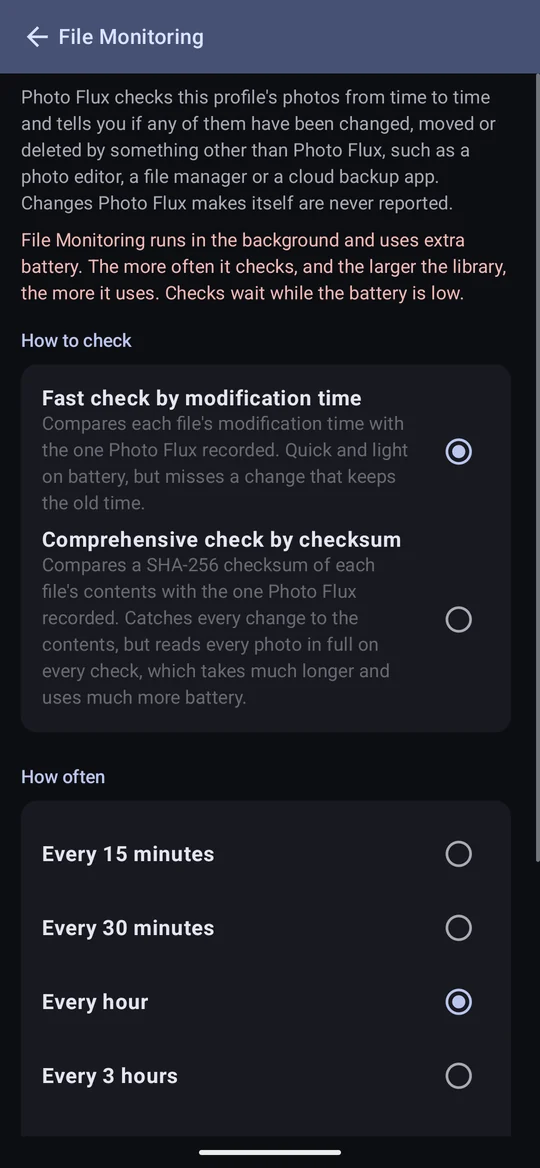
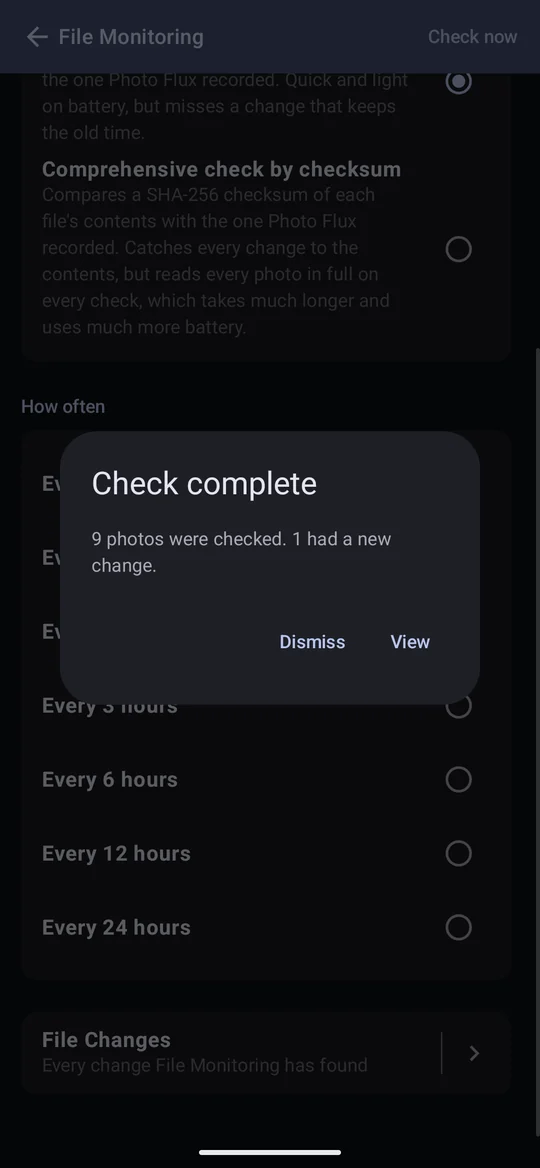
In an import or archive profile's editor, switch on File Monitoring and tap the row to choose how and how often to check. Save the profile; Check now then appears, to run a check straight away.
Fast or comprehensive
- Fast check by modification time
- Compares each file's modification time with the one recorded. Reads no photo, so it is quick and light on battery — but misses an edit that keeps the old time.
- Comprehensive check by checksum
- Compares a SHA-256 checksum of each file's contents. Catches any change to the contents and ignores a file that was only touched — but reads every photo in full on every check, which on a large RAW library can take many minutes and a lot of battery.
How often runs from every 15 minutes to every 24 hours. Checks are approximate in time: Android runs background work when it chooses, no more often than every 15 minutes, waits while the battery is low, and may delay an app you haven't used recently. Check now asks for one within the minute.
What is reported
- Changes Photo Flux makes itself are never reported. Setting a location, a tag, a crop, moving to an album — anything Photo Flux writes resets that photo's record.
- Switching it on reports nothing at first. The first check records how every photo looks; later checks find changes. A file already missing when it's switched on isn't reported. Switching it off forgets the records.
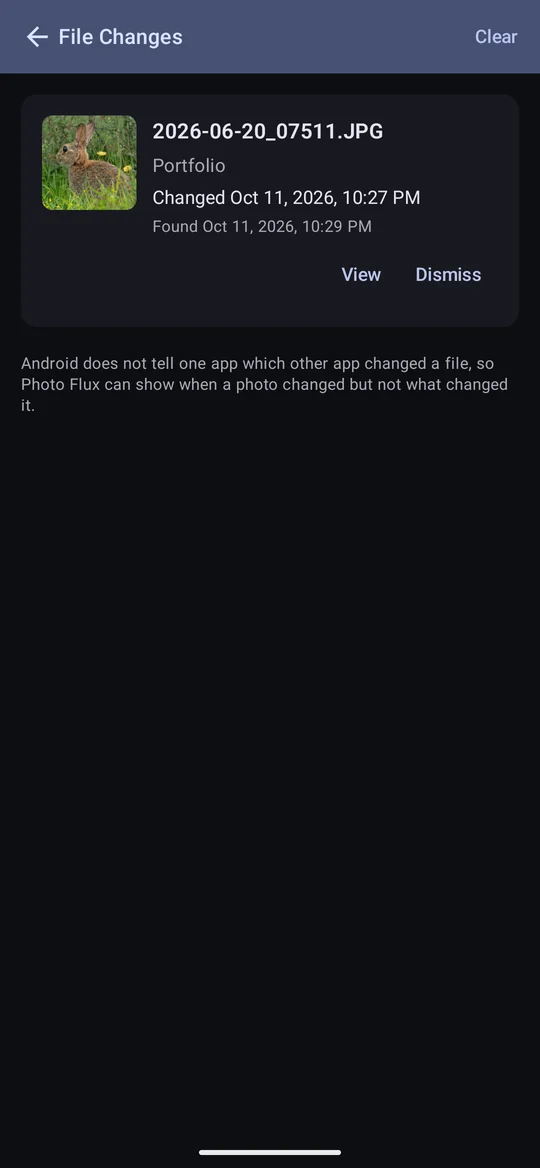
- Photo Flux can say when, not who. Android gives no app a way to see what another app did to a file.
- Only the photos themselves are watched — both halves of a RAW+JPG pair — not sidecars or previews.
- Each photo appears once, as it is now: a photo changed and then deleted shows only as missing; a missing photo put back unchanged drops off the list by itself.
The File Changes screen
A check that finds something posts an alert (a notification, if the app is closed). View opens File Changes; it is also reached from the File Monitoring page, and from the gallery's Actions as View unexpected changes while the profile or album open has any.
- Dismiss accepts the photo as it is now; only a later change is reported.
- Remove, for a missing photo, takes it out of Photo Flux with its tags and details.
- Half a pair missing — "JPG missing" or "RAW missing" — offers View and Dismiss, not Remove: the photo is kept, and Dismiss keeps the surviving file as an ordinary single photo.
- Clear empties the list.
Opening a RAW whose preview has gone offers to make a new one from the RAW's own embedded preview.