User manual · Chapter 17
Settings
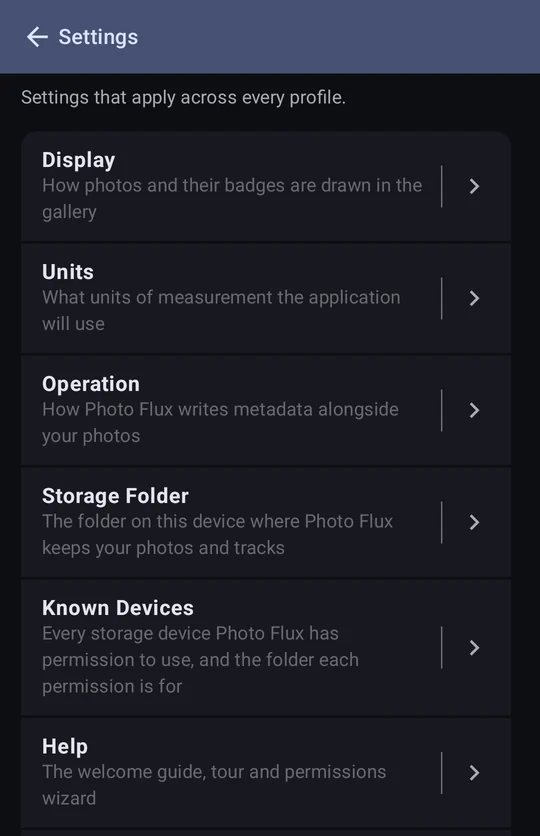
Settings holds what applies across every profile. Anything that belongs to one profile — its folders, its EXIF box, its filename captions — is in that profile's editor instead.
Configuration → Settings, from the drawer, has six pages.
Display
How photos and their badges are drawn. Nothing here alters a photo, its metadata, or anything written to disk — hiding a badge only hides it.
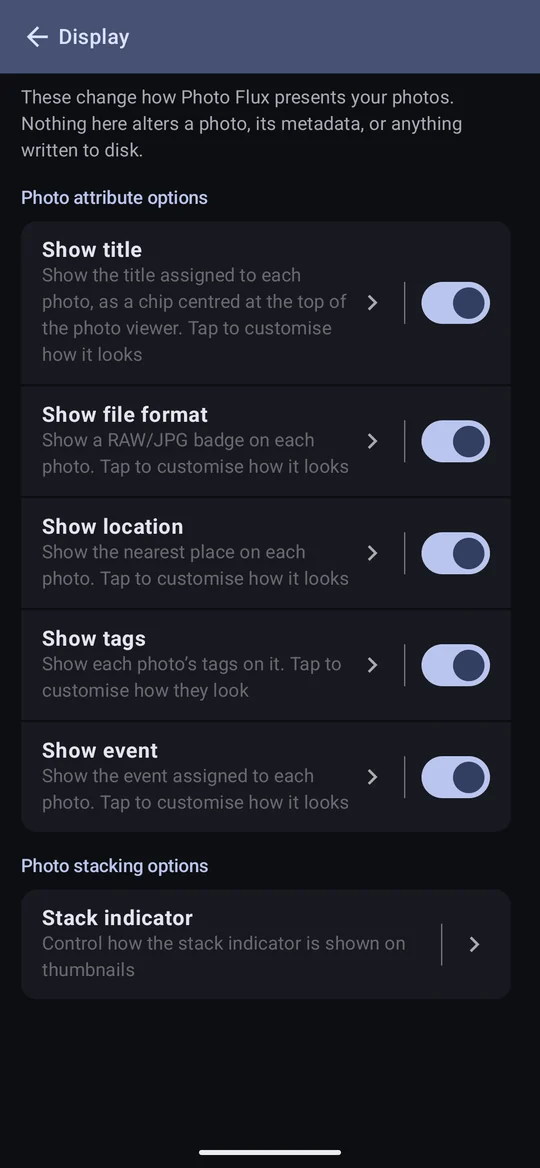
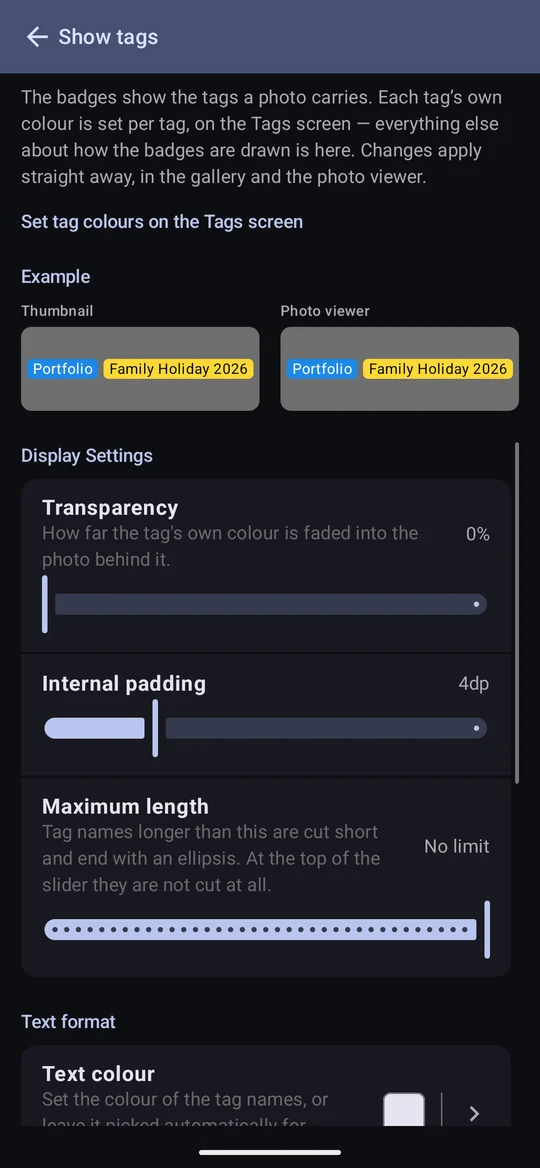
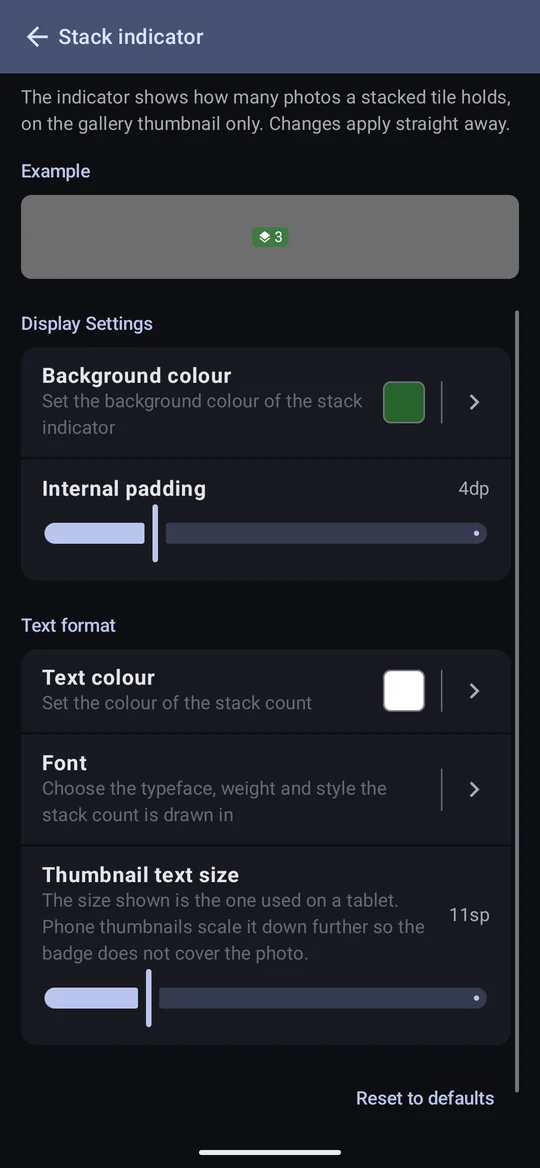
- Show title, Show file format, Show location, Show tags, Show event — each switch hides that badge everywhere. Tap the row's name to style it: colour, brightness, transparency, text colour, font, size, padding, and for the format badge its two labels; for place and tag names a maximum length, after which they end in an ellipsis.
- The badges are styled separately — they look alike out of the box, but restyling one leaves the others alone, and Reset to defaults on one editor resets only that one.
- A tag's colour is set on the Tags screen, because it belongs to each tag; the Show tags editor styles everything else. Its text colour defaults to automatic — black or white per tag, whichever reads better. A fixed colour applies to every chip, including ones it reads poorly on.
- Text size is the tablet and viewer size. Phone thumbnails scale it down so the badge doesn't cover the photo. Maximum length is a count of characters, not a width.
- Stack indicator styles the count on a stack's tile.
Units
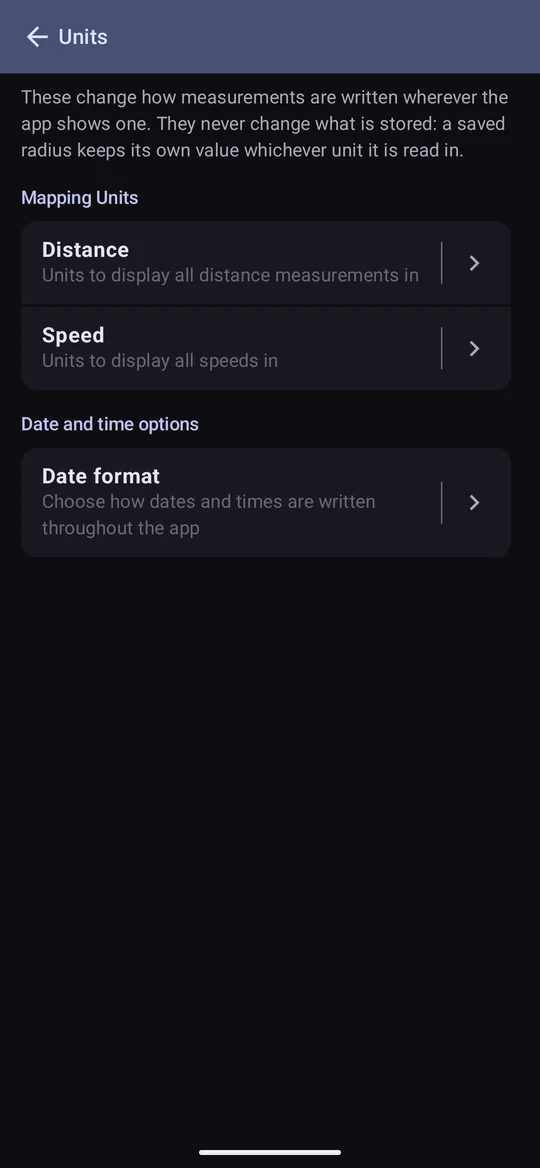
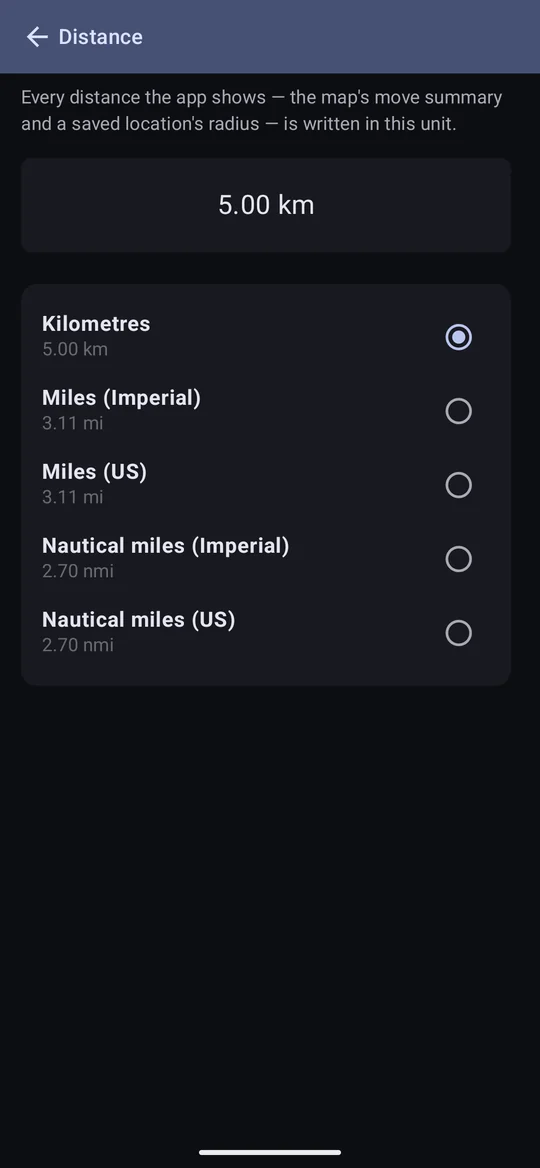
- Distance — kilometres, two kinds of mile, or two kinds of nautical mile. The Imperial and US versions differ by a couple of metres in a kilometre, and are both offered for those who need the exact one. A saved radius is stored exactly, so changing the unit never changes it.
- Speed — km/h, mph, knots or m/s. Until you choose, it follows the distance unit.
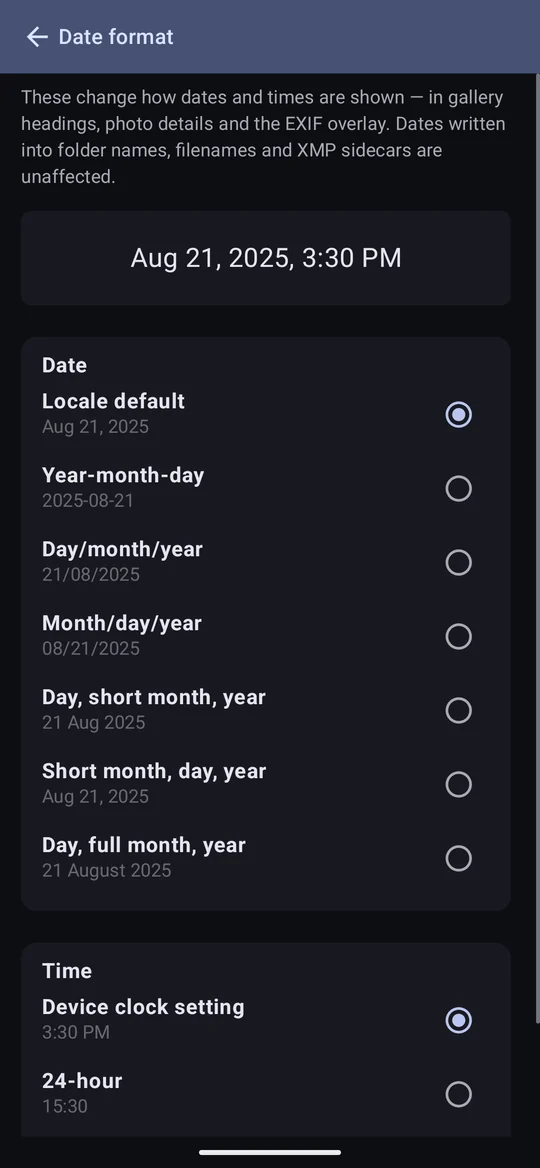
- Date format — how dates and times are shown: gallery headings, the viewer, the EXIF box. It changes nothing on disk — dates in folder names, renamed files and sidecars keep their own formats. The default follows the phone's own language and clock settings, so most people need never change it.
Operation
How Photo Flux writes metadata alongside your photos — Chapter 13 has the detail:
- Embed metadata in JPEGs and DNGs (on) — location, tags, event and title written into the file itself.
- Enable XMP sidecar (RAW) (on) Pro — sidecars for other RAW files. It governs what Photo Flux writes on its own; answering yes to the viewer's "create one?" creates that one sidecar regardless.
- Write rejected tags to metadata (off) — rejects that Lightroom sees.
Storage Folder
The folder holding Import, Albums and Tracks — see Getting started.
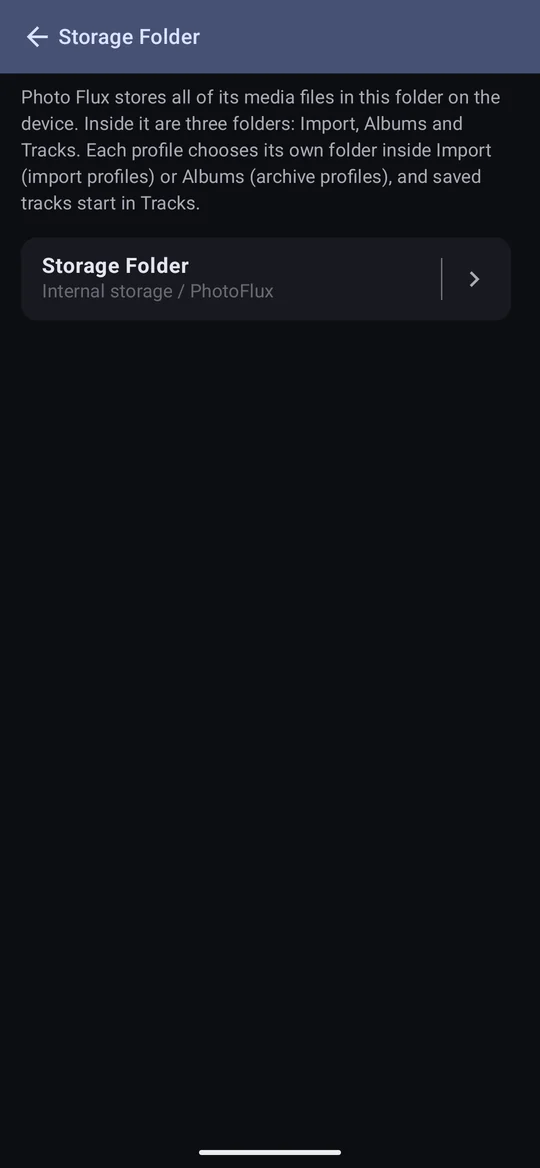
Changing it moves everything — all the photos, albums and tracks — to the new folder, and removes the old one. It can't be stopped part way. A file that can't be moved stays in the old folder, which is then kept. A folder inside the current storage folder, or one that contains it, can't be chosen.
Known Devices
Every folder Android has given Photo Flux permission to use — on internal storage, SD cards and USB drives — and what uses each: the storage folder, each profile's card or drive, USB Drive connectors, Album Import's drives.
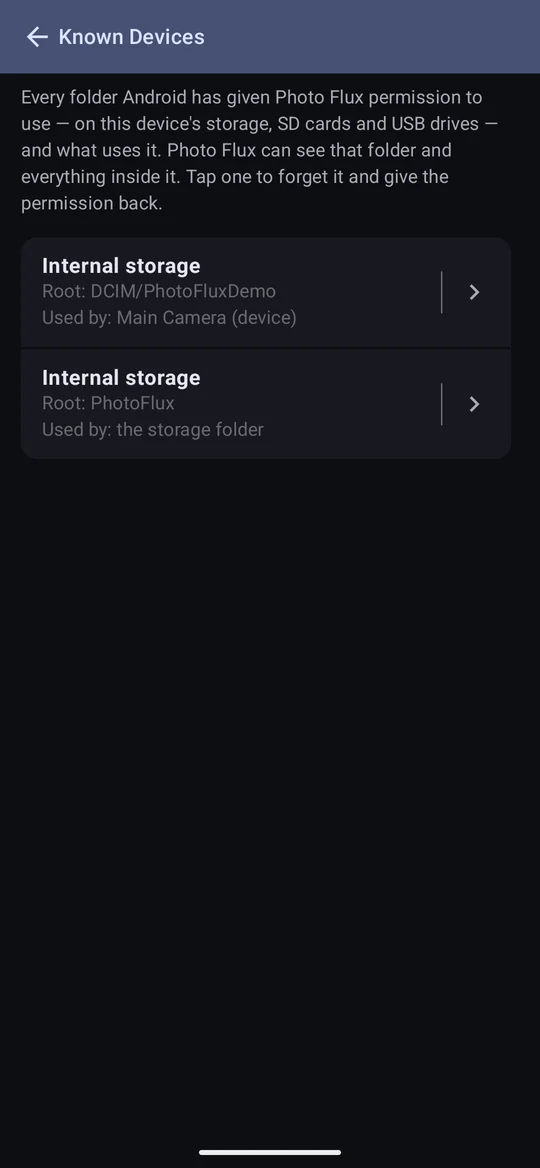
Forget gives a permission back to Android. It warns first what will stop working until it's set up again; forgetting the storage folder means choosing one again. Forgetting a drive is also how to change the root Album Import uses on it.
Help
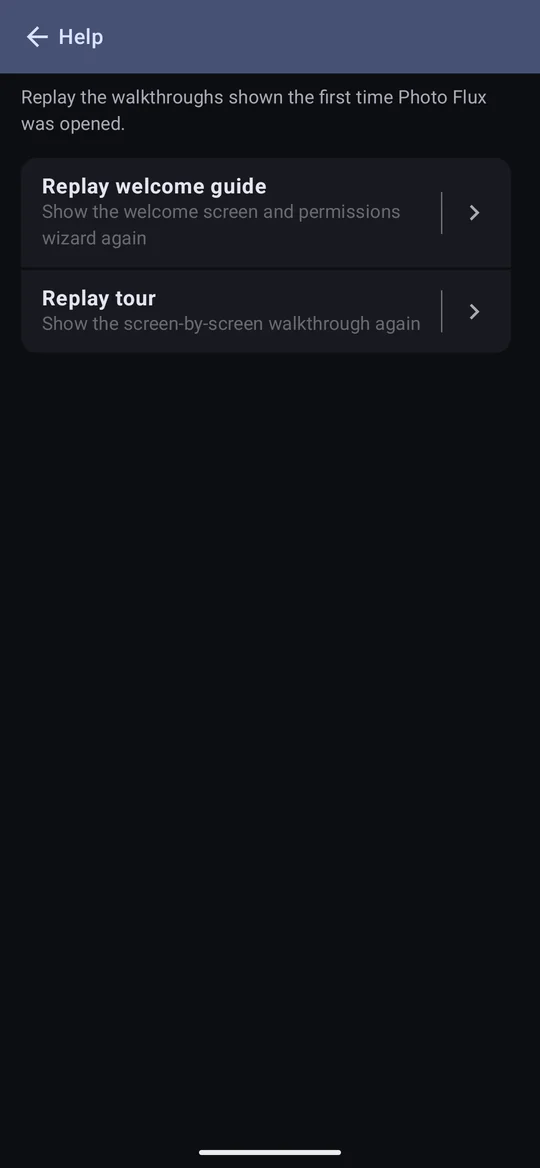
- Replay welcome guide — the welcome screen and permissions wizard, whose last page offers the tour again.
- Replay tour — the walkthrough on its own.
The rest of Configuration
The drawer's Configuration section also holds:
- Connectors — Chapter 14.
- Tags — making and colouring tags.
- Locations — places you've named.
- Manage licences — licences for the Creator modifier.
- Free and Pro — Chapter 18.
- Contact support — asking for help.
- About — below.
About
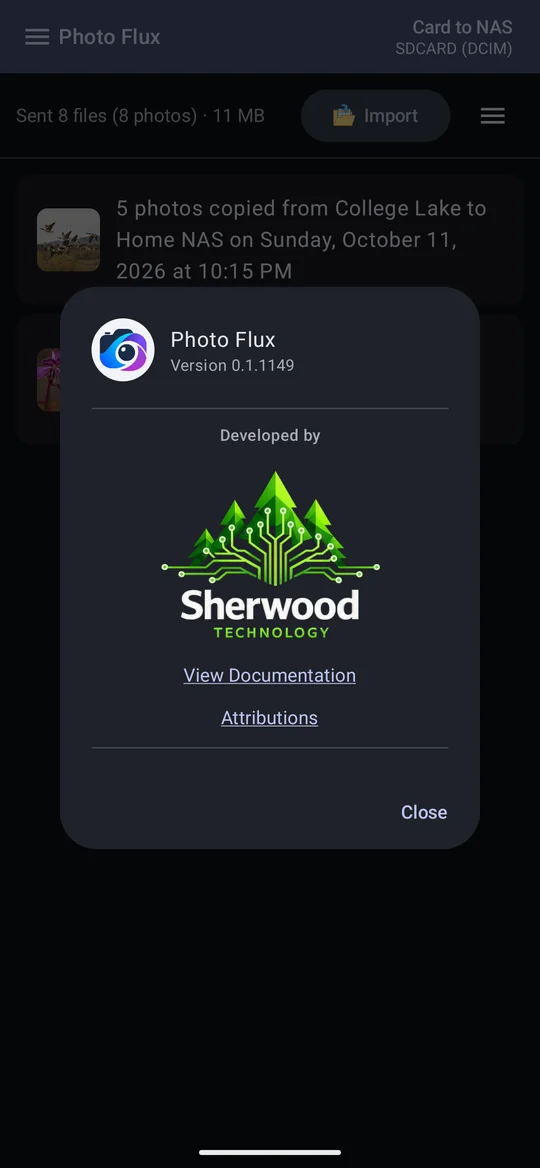
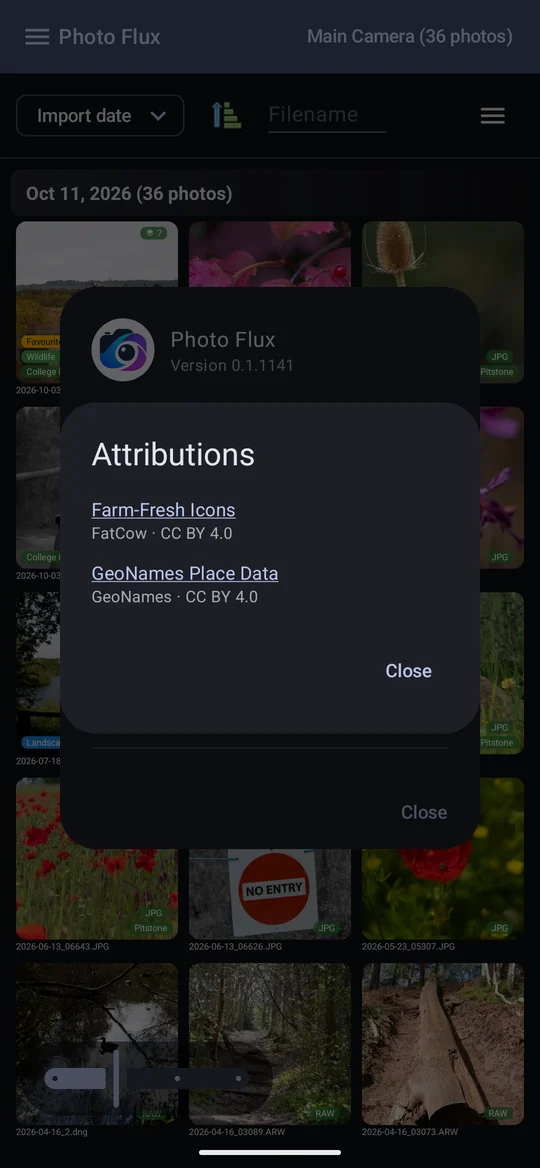
The version number (also shown at the top of the drawer), who makes Photo Flux, View Documentation, which opens this manual in your browser, and Attributions: the Farm-Fresh icon set by FatCow, and the GeoNames place data behind the nearest-place lookup, both under the Creative Commons Attribution 4.0 licence.