
User manual · Chapter 15
Pass-Thru profiles
A Pass-Thru profile imports like any other — same filters, renaming, metadata and track — but sends each photo on through a connector and keeps nothing but a log. Pro.
What a Pass-Thru profile does
Plug in a camera or card, tap Import, and each photo is read off it, processed exactly as an import profile would — folder filter, renaming, Creator modifier, geotag from a track — sent through the connector you chose, and then removed from the device. Nothing is kept but a log of what was sent. It is for a phone that is a pipe, not a store: field to NAS, card to cloud.
Reading, processing and sending run at the same time, so only a handful of photos (at most seven, a RAW+JPG pair counting as one) are ever on the device at once, in a hidden working folder inside the storage folder. The import checks there is room for them before it starts.
Setting one up
Actions → Add profile → I want to send photos straight to a connector. The wizard asks for a name (there is no folder — it keeps no photos), the connector to send through, the devices and drive folders, and the same event, rename, folder and track questions as an import profile. The folders it sorts into are made at the connector.
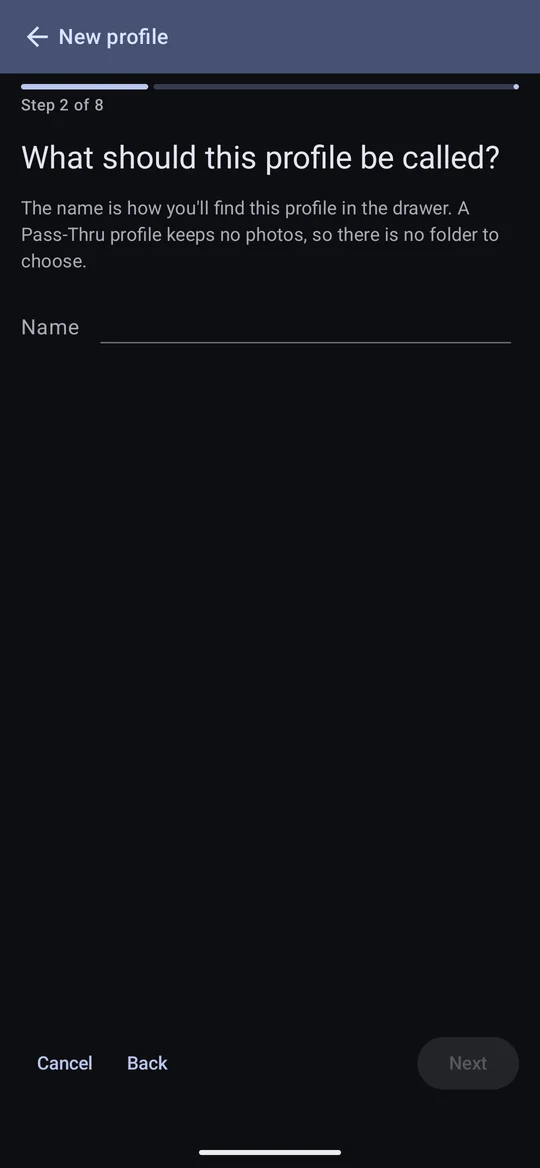


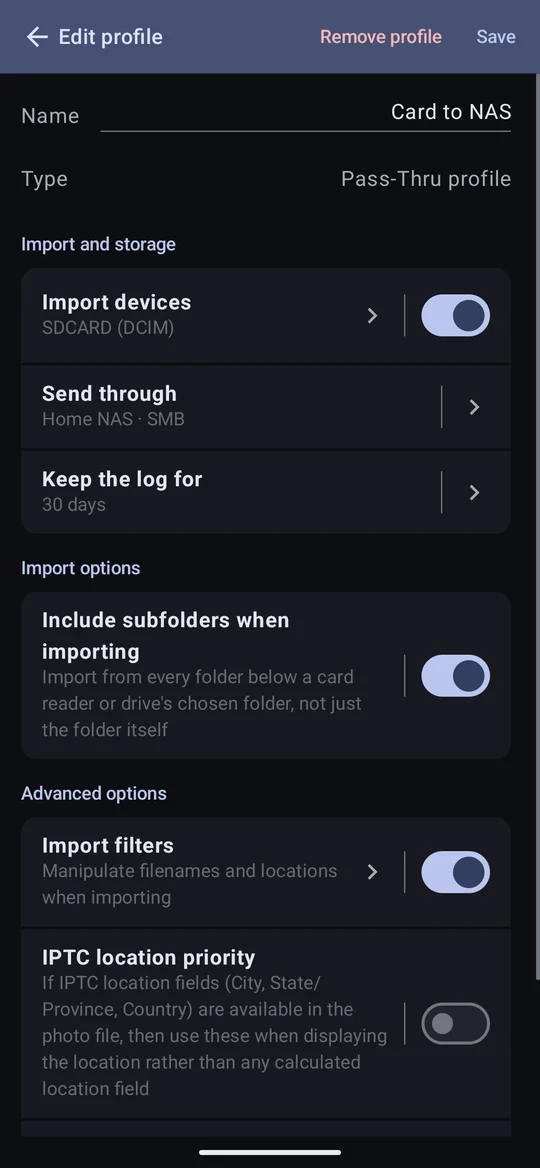
Its editor adds Send through (the connector) and Keep the log for — how long entries stay, from 7 days to forever.
Sending
With its device connected, tap Import. The Send Photos window counts what has been sent, what was already there and what failed, with an estimate of the time left.
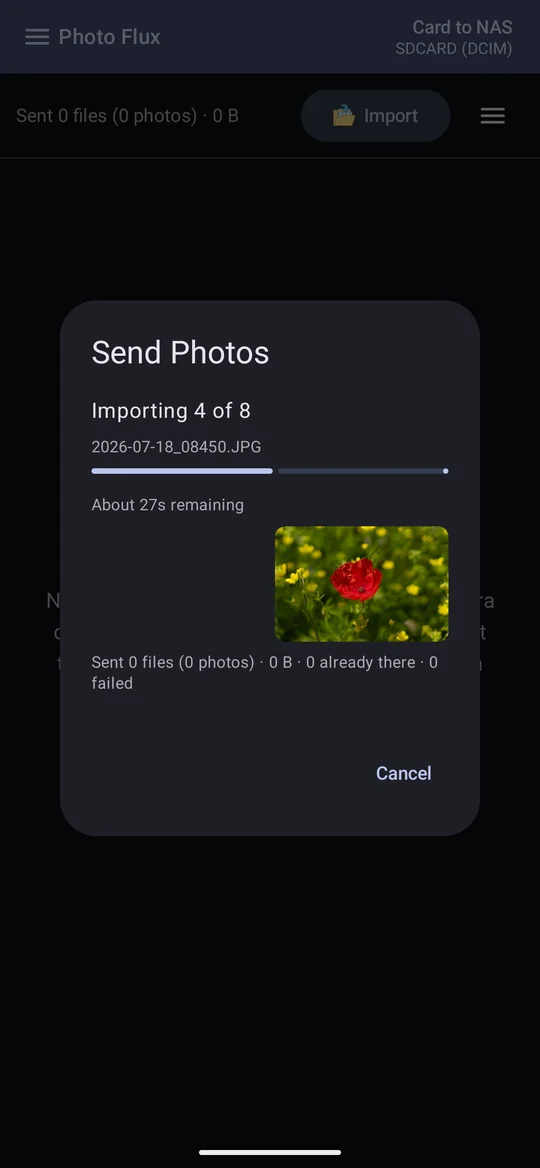
- A photo that fails to send is still on the card. Its copy on the device is removed anyway, it is logged as not sent with the reason, and the next import tries again. The window stays open at the end when anything failed.
- Mobile data: starting on mobile data with more than 25 MB to send asks first; losing Wi-Fi mid-run pauses until you choose Continue (in the app or the notification), as an export does.
What counts as already sent
- The log remembers first. It knows which card files became which files at the destination. A photo it remembers (same name and size on the card) whose files are all still at the destination is skipped without being read off the card — so re-importing a card only reads what's new. If you have deleted it at the destination since, it is sent again.
- Then the destination. Anything the log doesn't remember — older than the log keeps, say — is copied, and skipped if its files are already at the destination with the same name and size.
- Changing what would be sent — the folder filter, renaming, Discard JPG, the connector, its folder or its What to send — means the log's memory no longer applies, and every photo is checked at the destination again. The log itself is kept.
- A different photo with the same name gets
_2. If renaming gives next week's photo the same name as one already there, but the file differs in size, it is sent asNAME_2.jpg. - Changing the profile's metadata settings re-sends. A new copyright line, say,
changes every photo's bytes, so the same card imported again sends its photos again, under
_2names, beside the old copies.
The log
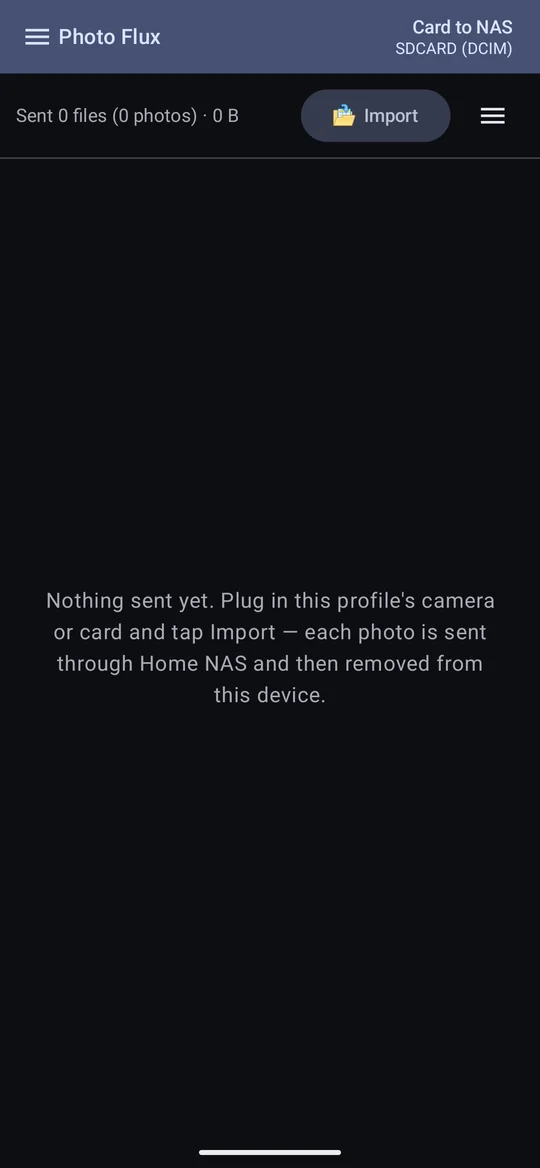
Instead of a gallery, a Pass-Thru profile shows its log: each import's photos grouped by the place they were taken and the connector, newest first — "5 photos copied from College Lake to Home NAS on Sunday, October 11, 2026 at 10:15 PM". Tap an entry to see its photos, with thumbnails, when each was sent, where it came from and where it went.

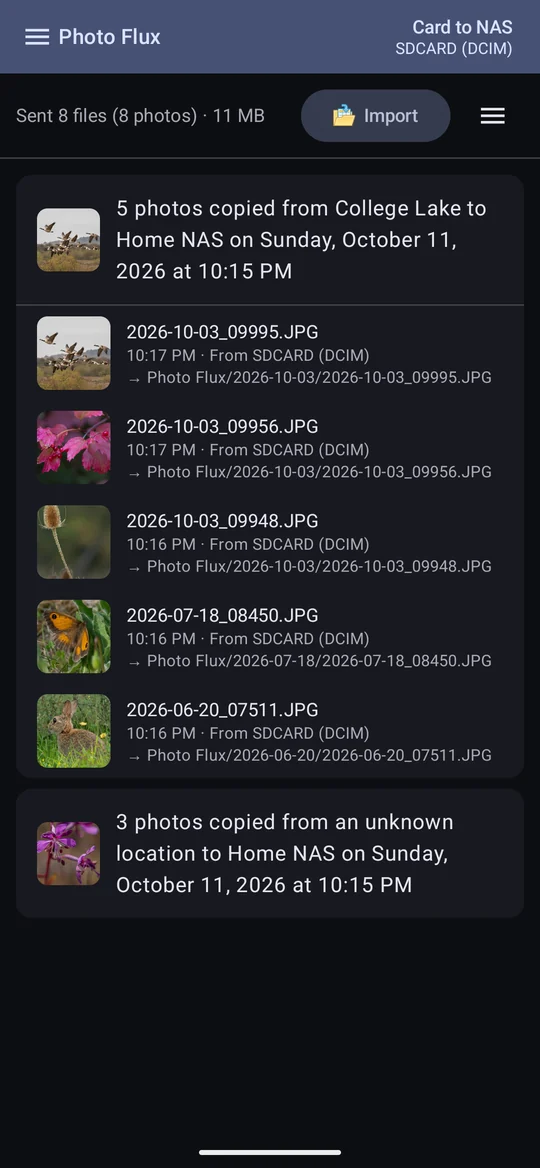
- "Place" is each photo's nearest place (or its IPTC location, with IPTC location priority on); photos with neither are an unknown location, so one import can show as two lines.
- The time is when it was sent, not when it was taken.
- Photos that were already at the destination aren't listed — they are counted in the window's "already there" — though the log quietly remembers them, so the next import skips them too.
- Actions → Clear log empties the log and its memory. Nothing at the destination changes, but the next import reads the whole card once to check each photo there — slower that once, and still sending nothing already there. Not available while an import is running.
- Entries older than Keep the log for are trimmed.
Copying a Pass-Thru profile copies its settings, not its log. Deleting its connector stops it until another is chosen.