
User manual · Chapter 7
Tags, events, titles and locations
Tags, events, titles and locations are how you find a photo again. Each one is set the same way, from Set metadata, and each travels with the photo into other software.
Set metadata
Select photos in the gallery and open Actions → Set metadata, or use the same entry in the photo viewer's Actions for a single photo. It offers Tags, Location, Event, Title and Rebuild metadata.


Tags
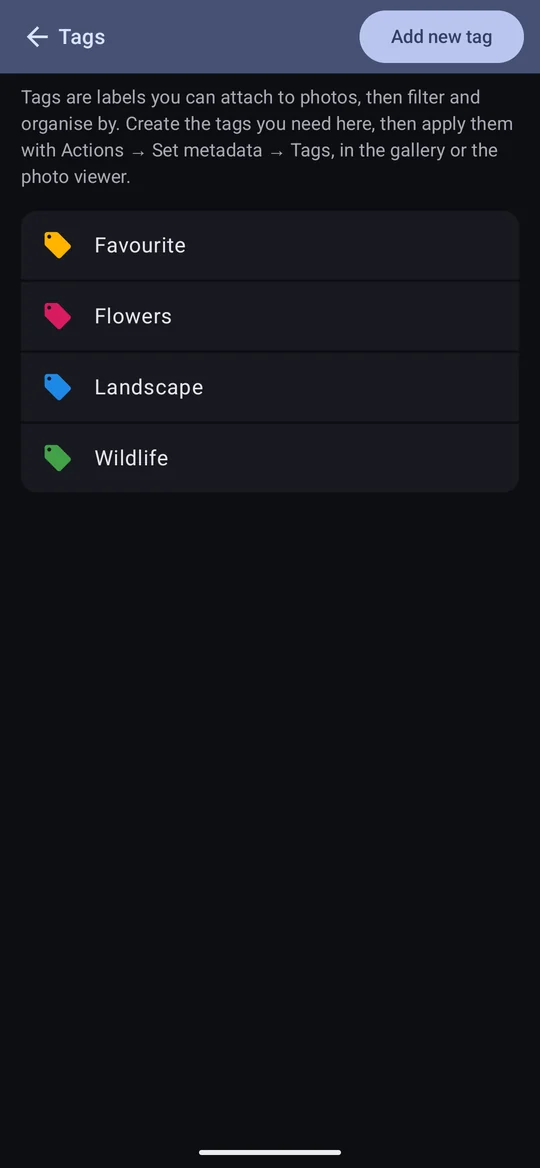
Tags are coloured labels: Wildlife, Favourite, For the calendar. They are global — one list, shared by every profile — so the same tag can sit on photos in different profiles, and filtering by it works in each.
Making tags
Configuration → Tags lists your tags. Add new tag makes one; tap a tag to rename it or change its colour. The colour is the tag's own: it is what the chip on a photo is drawn in, and it is set here, not in Settings.
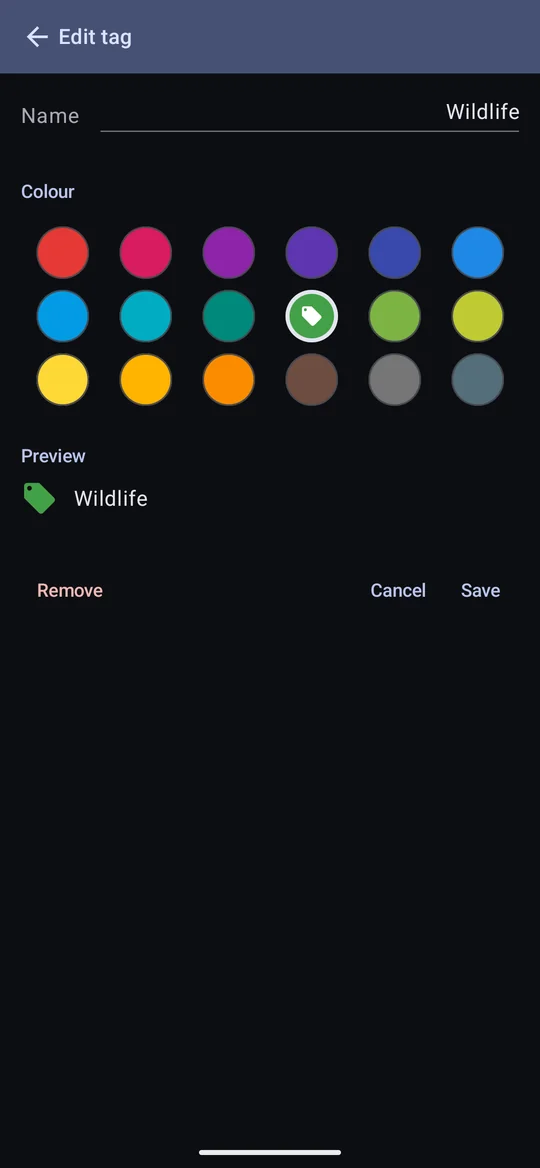
Removing a tag takes it off every photo it was on. There is no archive. Keywords a file already had of its own (see below) stay in the file.
Tagging photos
The tags you tick are applied to every selected photo, and tags you leave unticked are removed from any selected photo that had them. A tag starts ticked only if every selected photo already has it. So to add one tag to photos that have different tags, select fewer photos, or check the existing ticks before you Apply.
- For a selection, your ticks are held until you tap Apply; Cancel leaves everything as it was.
- For one photo in the viewer, the list is ticked from that photo's own tags and each tick applies at once.
Tags and the keywords already in a file
Photos often arrive with IPTC keywords from the camera or other software. Photo Flux shows them on the photo's IPTC tab, and links the photo to a tag of the same name if one already exists (capitals don't matter, so the keyword beach links to your tag Beach) — it never creates tags from keywords, so a card of agency photos won't add hundreds. When Photo Flux writes keywords back into the file, it writes the file's own keywords plus your tags: tagging never deletes a keyword that was already there.
Events
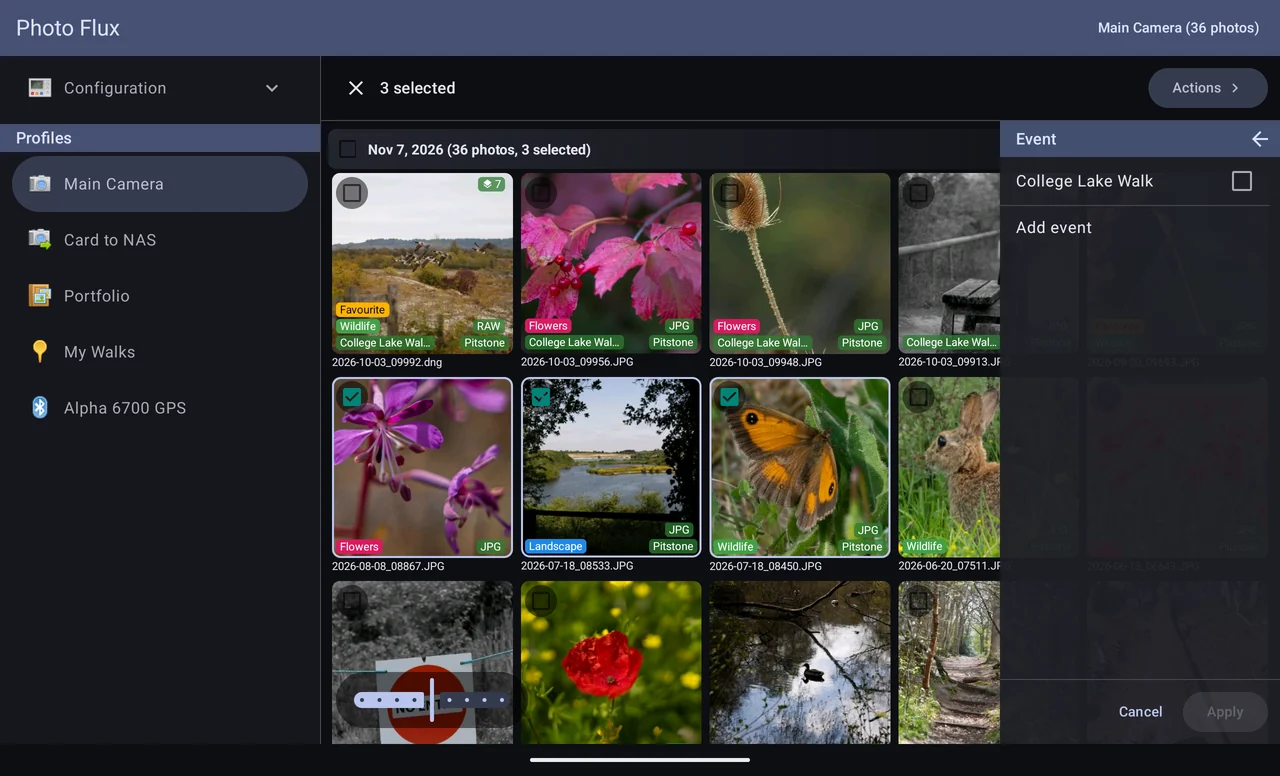
An event names a set of photos — Fred's Wedding, College Lake Walk. A photo has at most one. Events are set as an import starts (if the profile asks), or afterwards with Set metadata → Event, which lists the events you have used and offers Add event. Sort the gallery by Event to group by it.
Titles
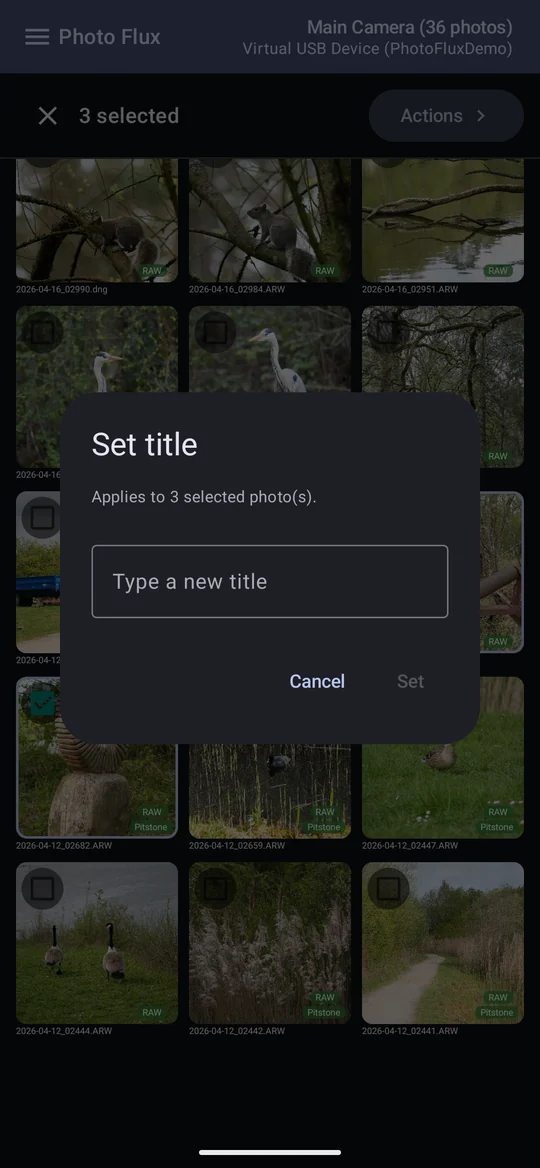
A title is a line of text of the photo's own — Common darter, pond 2. Set it with Set metadata → Title; a selection gets the same title. It shows as a chip at the top of the photo viewer (Settings → Display → Show title).
Locations
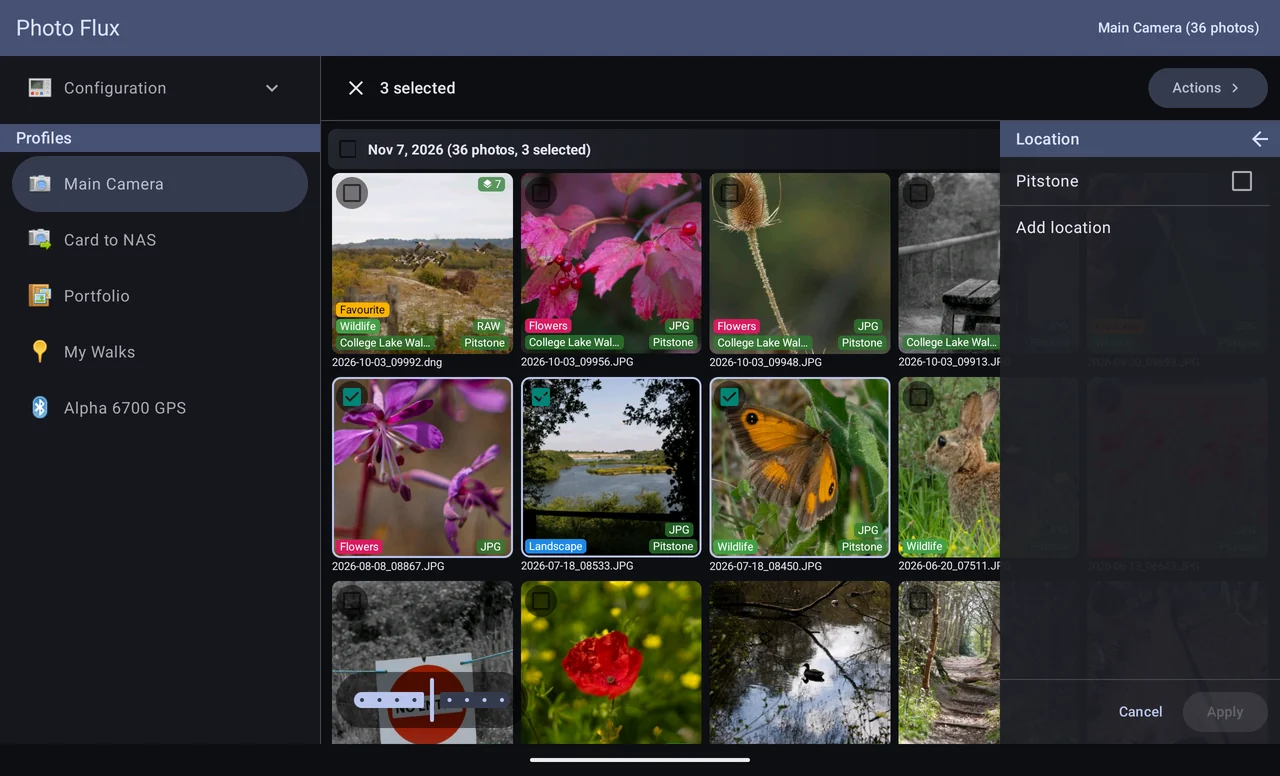
A photo's location is the place name on its badge. Photo Flux works it out from the GPS position (see Nearest place), but you can set one by hand with Set metadata → Location, choosing a place you've used or typing a new one with Add location.
- Setting a location by name changes the place shown, not the GPS coordinates. To change where a photo was taken, move it on the map.
- If the profile's folder filter sorts by place, the file moves into the new place's folder — see Folder filter.
- IPTC location priority, in the profile editor, shows a photo's own IPTC City, State/Province and Country instead, when the file has them.
What gets written into the file
Location, tags, event and title are written into the photo so other software sees them:
- JPEG and DNG — into the file itself (Free).
- Other RAW — into an
.xmpsidecar beside it Pro.
Lightroom, Bridge, Camera Raw, darktable, Google Photos and your phone's gallery read them. Chapter 13 has the details, and Rebuild metadata — the last entry on Set metadata — rewrites them for a selection from what Photo Flux knows.