 Forget Me Not
User manual · Chapter 9
Calendar import and export
Reminders out to the phone's own calendar, and events in from it — on demand, never in the background, and never deleting anything.
On Free this screen says so and offers the upgrade instead of the list of calendars — the app does not ask for permission to read your calendars purely in order to refuse to use them. Everything in this chapter works on Pro and during the thirty-day trial. See Free and Pro.
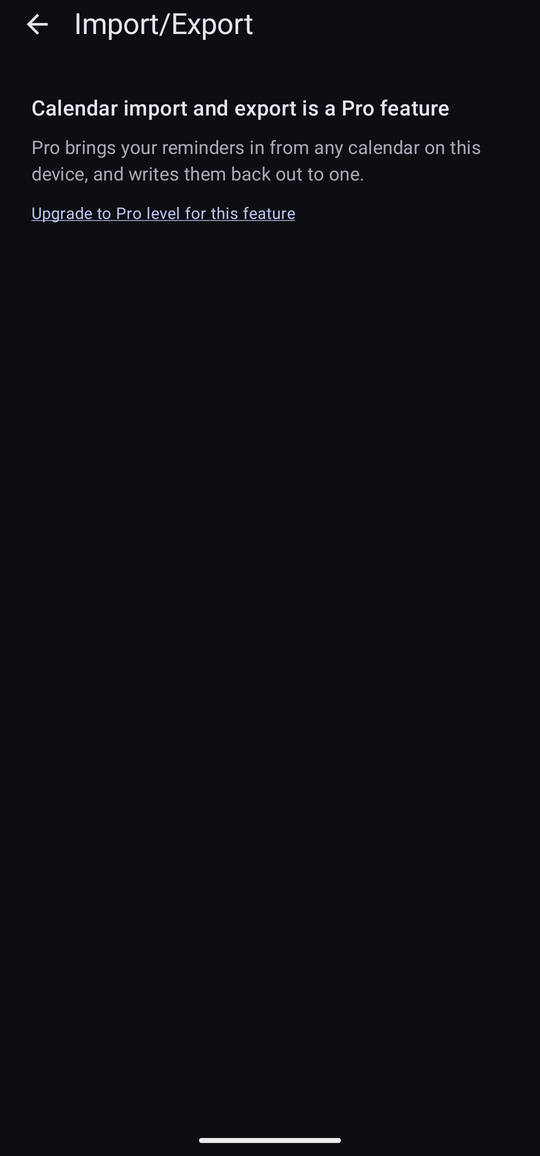
Drawer → Configuration → Import/Export has two tabs, and they are independent: exporting does not subscribe you to anything, and importing does not tie the two together afterwards. Each is a copy taken at the moment you ask for it.
Permission first
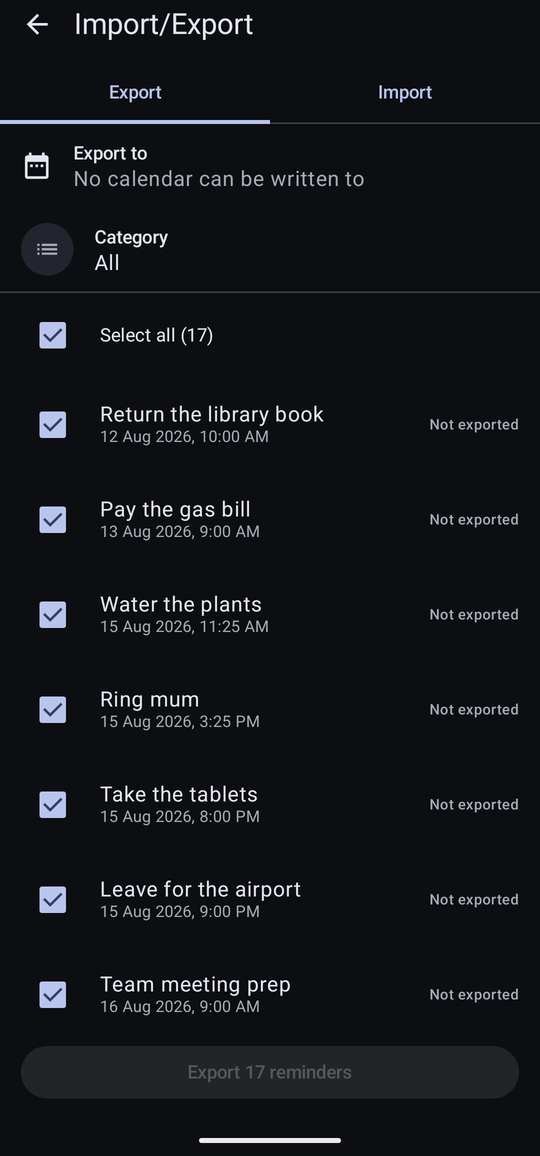
Android guards calendars, and it guards reading and writing separately. The screen says which of them you have.
| What it says | What to do |
|---|---|
| Not allowed. Import and export need it. | Tap Allow access, or the row under Settings → Permissions → Calendar. |
| Events can be read but not added. | Read access was given and write access was not. Importing works; exporting does not. |
| No calendars on this device / No calendar can be written to | The permission is fine but there is no calendar to use. Add an account in Android's own Settings, or create a local calendar in your calendar app. |
Exporting reminders
On the Export tab, choose the calendar to write to, optionally narrow the list to one category, and tick the reminders you want. Select all counts them for you.
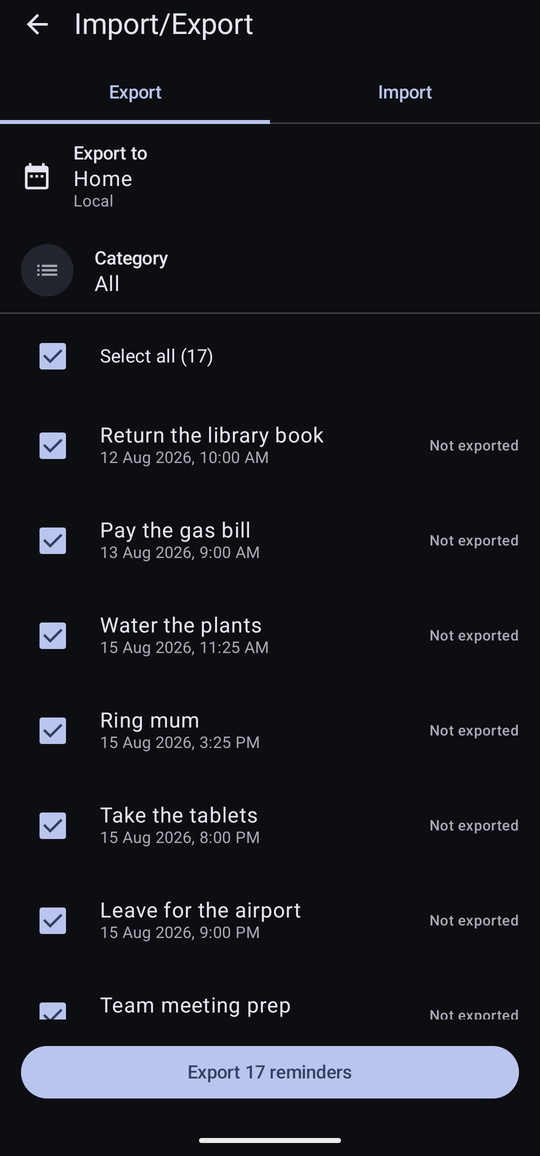
The button at the foot reads Export 2 reminders, and a confirmation says what is about to happen before anything is written. When it is done: “Exported 2 reminders.”
Export the same reminder again after changing it and the confirmation is explicit that existing events will have their title, time, repeat and alerts replaced, and the result counts both: “Added 0, updated 1.”
What the statuses mean
Every row on the Export tab carries a status, so you can see at a glance what is where.
| Status | Meaning |
|---|---|
| Not exported | It has never been written to a calendar. |
| In calendar | It is there, and matches what is in the app. |
| Changed | It is there, but the reminder has been edited since. Export it again to bring the calendar up to date. |
| Imported | This reminder came from a calendar. |
| Removed from calendar | It was exported, and the event has since been deleted at the calendar's end. |
The warnings, and what they mean
A calendar cannot hold everything a reminder can. Rather than silently dropping the difference, the app puts a line against the reminder saying what will not survive.
| Warning | What it means |
|---|---|
| Repeats hourly — this will fill the calendar. | An hourly repeat becomes thousands of calendar entries. Almost always a mistake; export it only if you really mean to. |
| An alert set for a fixed time can't be exported. | Calendars hold alerts as “so long before the event”. An alert set for a specific moment has no equivalent, so it is left behind. The rest of the reminder goes across intact. |
| Only the first five alerts will be exported. | Calendars cap the number of alerts an event can carry. |
| Paused — the calendar can't show that. | The reminder is disabled in the app. A calendar has no notion of a paused event, so it would appear as an ordinary one. |
| From a read-only calendar — changes can't be sent back to it. | The reminder was imported from a calendar you cannot write to, such as a shared or subscribed one. |
| Excluded from import and export. | You have turned on Exclude From Import/Export on this reminder. |
Importing events
The Import tab lists the next year of events from the calendar you choose, and you say which category the reminders should be filed under.
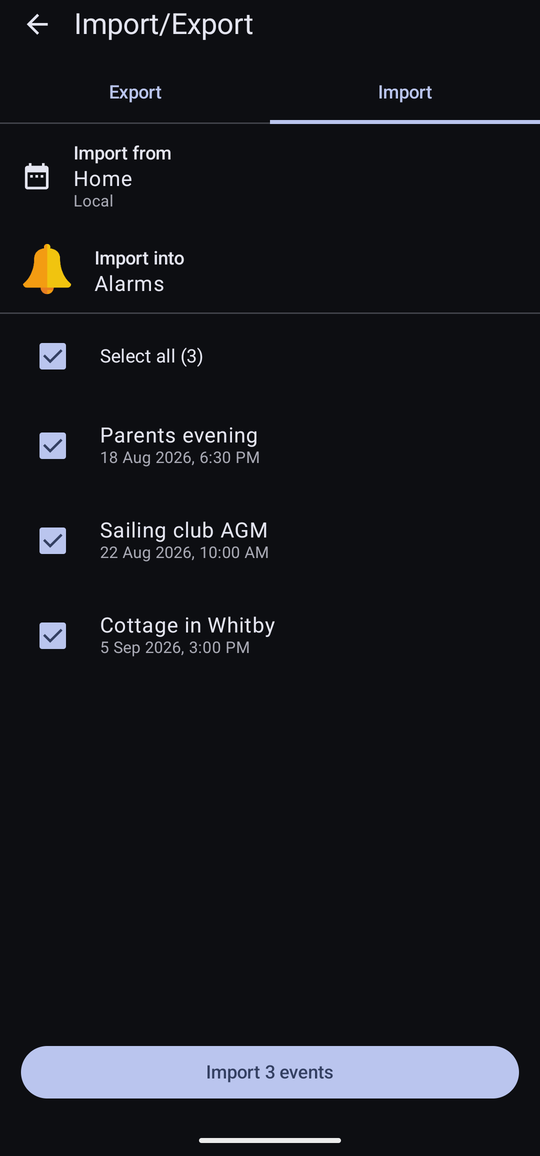
Anything you have imported before is marked Already in Forget Me Not, so a second pass does not create duplicates, and anything the app exported in the first place is marked Exported from Forget Me Not so it does not come round in a circle. An event whose time has gone is marked Already passed.
Repeats that will not fit
Calendars can describe repeats this app cannot store — “the third Thursday of every month”, or “every fortnight until December”. Rather than refusing them or getting them wrong, the app offers the event as a Single date and says exactly why:
- Repeats by weekday of the month, which this app can't store — imports as one date.
- This repeat stops on a date, which this app can't store — imports as one date.
- Repeats at an interval this app can't store — imports as one date.
- Repeats too often for this app to store — imports as one date.
Where the repeat does fit, Keep repeat brings it across whole.
Keeping a reminder out of it
Turn on Exclude From Import/Export on any reminder and it vanishes from both tabs: never offered for export, and if it came from a calendar, that event is no longer offered for import. Useful for the private ones, and for anything you do not want cluttering a shared calendar.
What it never does
Worth stating plainly, because it is the thing people worry about:
- The app never deletes anything from a calendar. Delete an exported reminder and the calendar event stays exactly where it was. If you want it gone, remove it in your calendar app.
- Nothing happens in the background. There is no sync. Import and export happen when you press the button and at no other time.
- Nothing leaves the device. The calendar being written to is the one already on the phone; where that calendar syncs to afterwards is between it and your account.