
User manual · Chapter 18
Free and Pro
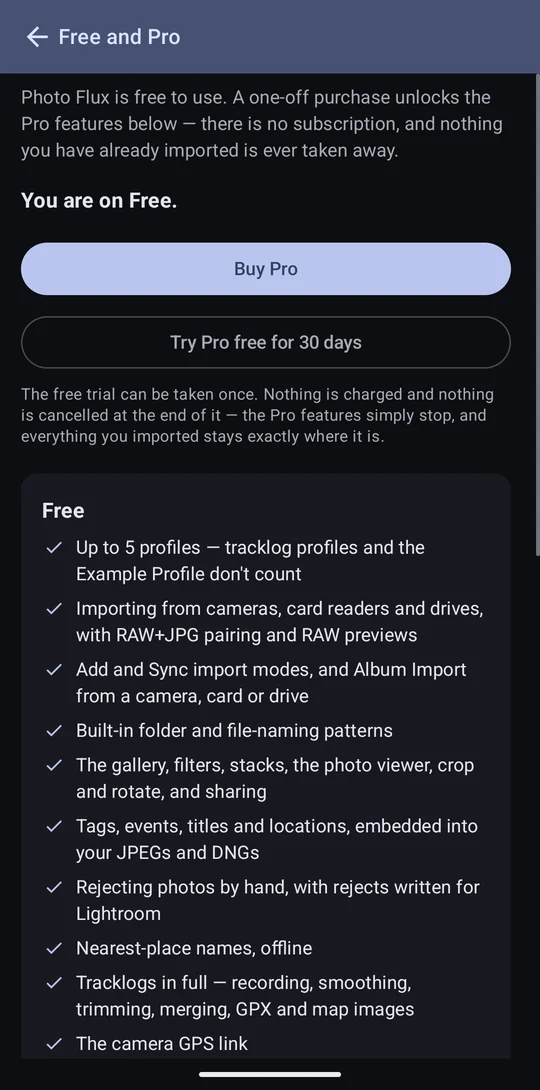
Photo Flux is free to use, permanently — a working app, not a demo. Pro is one payment, not a subscription, and adds the tools that make the work quicker, automatic or repeatable.
What Free includes
- Up to five profiles (tracklog profiles and the Example Profile don't count).
- Importing from USB cameras, card readers and drives, with RAW+JPG pairing, RAW previews and EXIF/IPTC reading.
- Add or sync import modes, events, and Album Import from a camera, card or drive.
- The built-in folder and rename patterns.
- The gallery, filters, stacks, the viewer, crop and rotate, the Edit panel (Light, Colour and the Tone Curve), sharing and Share Originals.
- Tags, events, titles and locations, embedded into your JPEGs and DNGs.
- Rejecting by hand, rejects written for Lightroom, and Rebuild and Rescan metadata.
- Nearest-place names, offline, and named places you already have.
- Tracklogs in full — recording, smoothing, trimming, merging, GPX, map images.
- The camera GPS link in full.
- Export to a USB drive or SD card.
- Every display setting and badge style.
What Pro adds
Every Pro feature follows one line: the ordinary way of doing the thing is free, and the tool that makes it quick, automatic or repeatable is Pro. Recording a track is free and reading it back onto photos is Pro; rejecting by hand is free and comparing two frames to decide is Pro.
| Pro feature | Where it's described |
|---|---|
| Unlimited profiles | Profiles |
| SMB, FTP, SFTP, SCP, WebDAV, OneDrive and Google Drive — export, and Album Import from them | Connectors and export |
| Pass-Thru profiles | Pass-Thru profiles |
| XMP sidecars for RAW | Metadata |
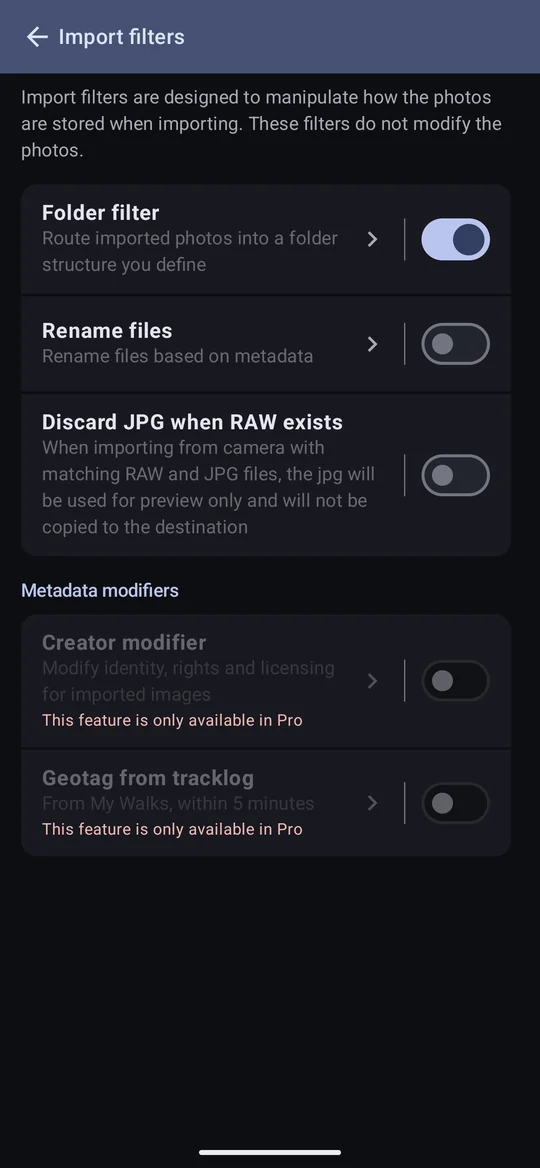
| Custom folder filter | Folders and renaming |
| Custom file rename | Folders and renaming |
| Metadata modifiers (the Creator modifier and making licences) | Creator modifier |
| The map view and moving a photo's location | The map |
| Naming a place yourself | Locations |
| Geotagging photos from a track | Geotag from tracklog |
| Comparison Reject, Compare Stack and the sharpness sort | Culling |
| File Monitoring | File Monitoring |
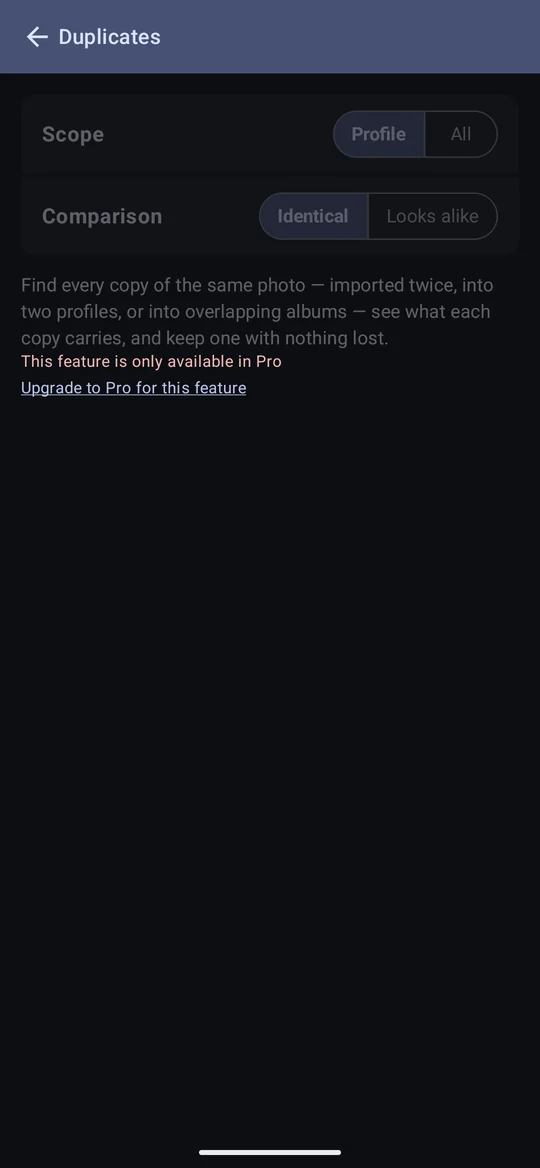
| The Duplicates screen and Find similar images | Culling |
| The Edit panel's Effects: Texture, Clarity, Dehaze, Vignette and Grain | Edit |
| The Edit panel's Optics and Geometry, Guided Upright included | Edit |
| Edit presets, and copying and pasting edit settings (onto one photo or a selection) | Edit |
On Free, Pro features are shown rather than hidden — marked This feature is only available in Pro, or dimmed with an upgrade link — so you can see what is there.
Buying Pro, and the trial
Configuration → Free and Pro shows where you stand, with the purchase, Restore purchase and the trial.
- One payment, through Google Play. No subscription. Photo Flux never sees your payment details; it only asks Play whether this device owns Pro.
- A thirty-day free trial of everything in Pro, once per device. It doesn't start by itself — only when you ask — no card is taken, and there is nothing to cancel: when it ends, the Pro features simply stop.
- Your order ID — once Pro is bought, Free and Pro shows its Google Play order ID (GPA.…) under You are on Pro. Press and hold it to copy it, and quote it if you contact support about the purchase. The trial has no order, so shows none.
- A purchase restores itself on a new device or after reinstalling, because Play is asked every time the app opens. If a device stays on Free, make sure its Play Store is on the same Google account you bought Pro or redeemed your promo code with (tap your picture at the top right of the Play Store to see or switch accounts). Then tap Restore purchase, under Buy Pro. It checks with Google Play straight away and tells you what it found. It never charges anything.
- Being offline never changes your tier. If Play can't be reached, Photo Flux keeps what it last heard (and says so).
Going back to Free takes nothing away
A refund, or a trial running out, leaves every profile, connector, filter, album, track and photo exactly as it was, and still working. Free only stops you adding: a sixth profile, a new network or cloud connector, a new custom pattern. Nothing has to be deleted to get back under a limit.
- XMP sidecars stop being written, but the ones beside your photos stay, still readable by Lightroom and darktable.
- Named places keep naming photos.
- Every import records the fingerprints duplicate detection needs, on Free too, so it is ready the day you upgrade.